Stimulus Control
Overview
Experimental tasks can be deployed by a research team using either a lab-specific computer or the center’s Stimulus Control computer. If using the center’s machine, extra steps are required to ensure participant anonymity and data security.
Lab Machine
ND-HNC Machine
Experiments deployed from the ND-HNC Stimulus Control computer should be organized within CorpFS. This will help ensure:
- Data are organized and stored with proper permissions, and
- The Stimulus Control computer storage capacity remains in an operational range.
Connect In/Out
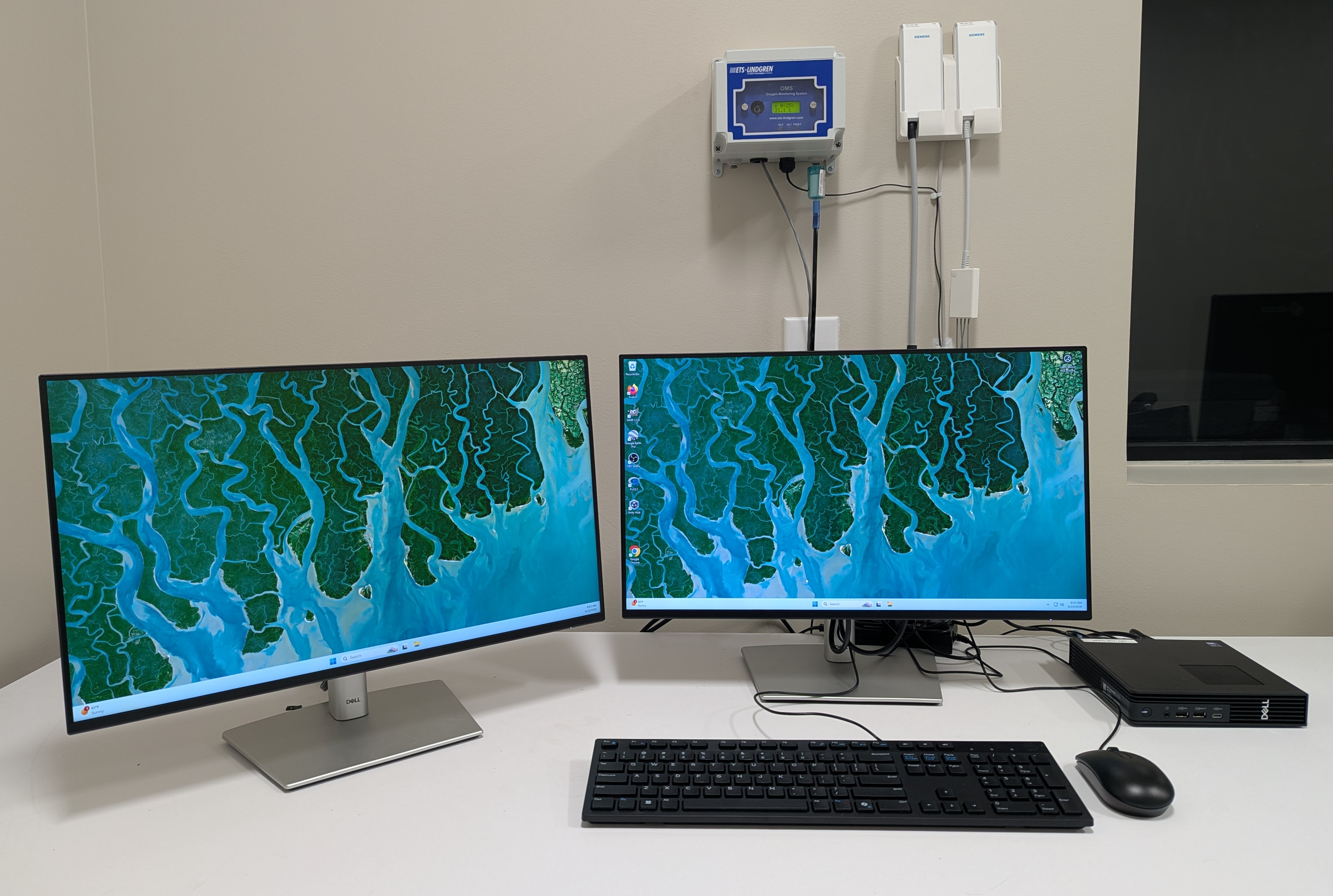
- Ensure that the Stimulus Control computer is connected to:
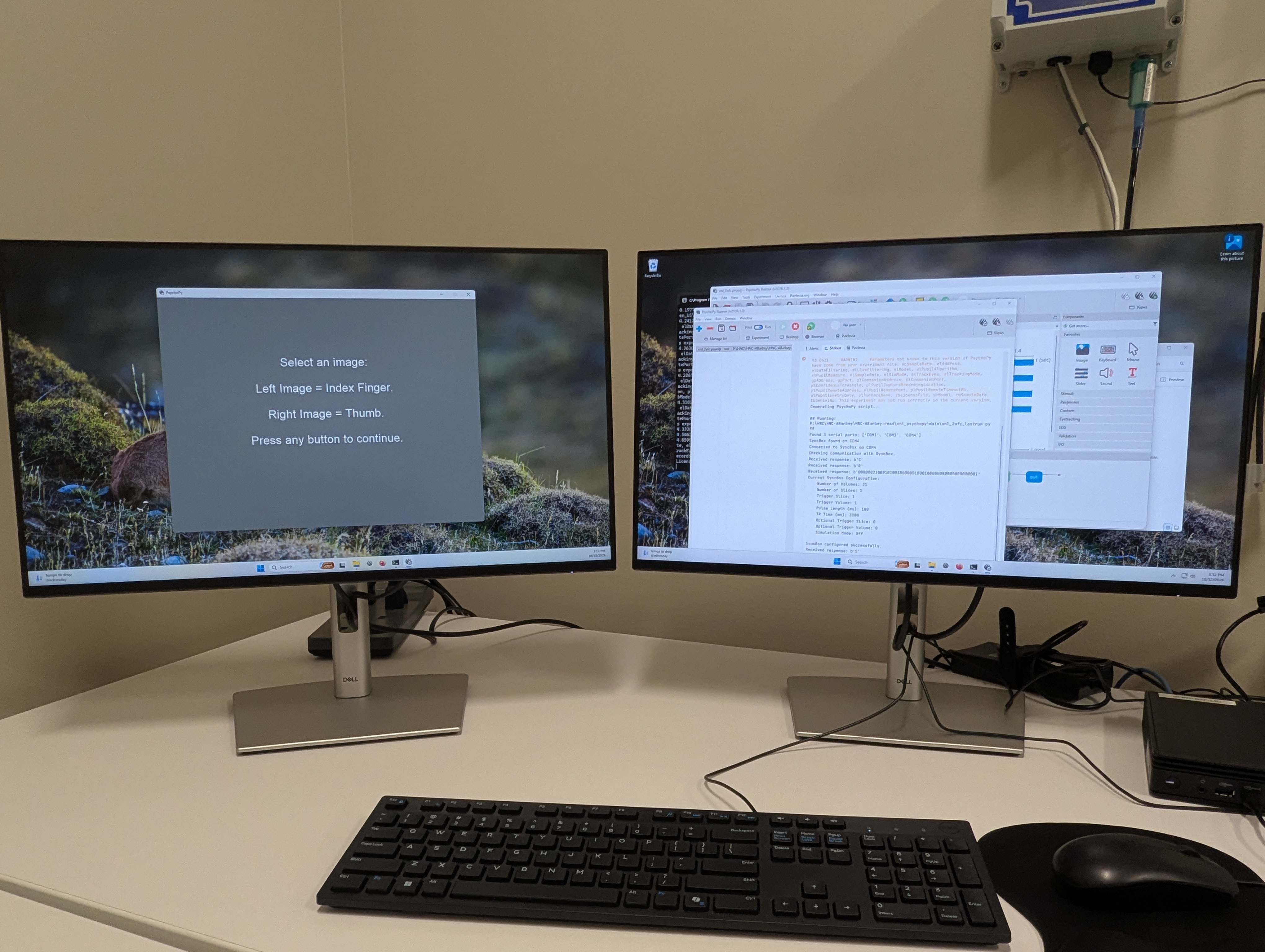
- The left screen will be broadcast to the stimulus presentation monitor in Zone 4.
Orient to CorpFS
- Login to the Stimulus Control computer with your ND credentials.
- Navigate to CorpFS -> HNC -> Your Lab.
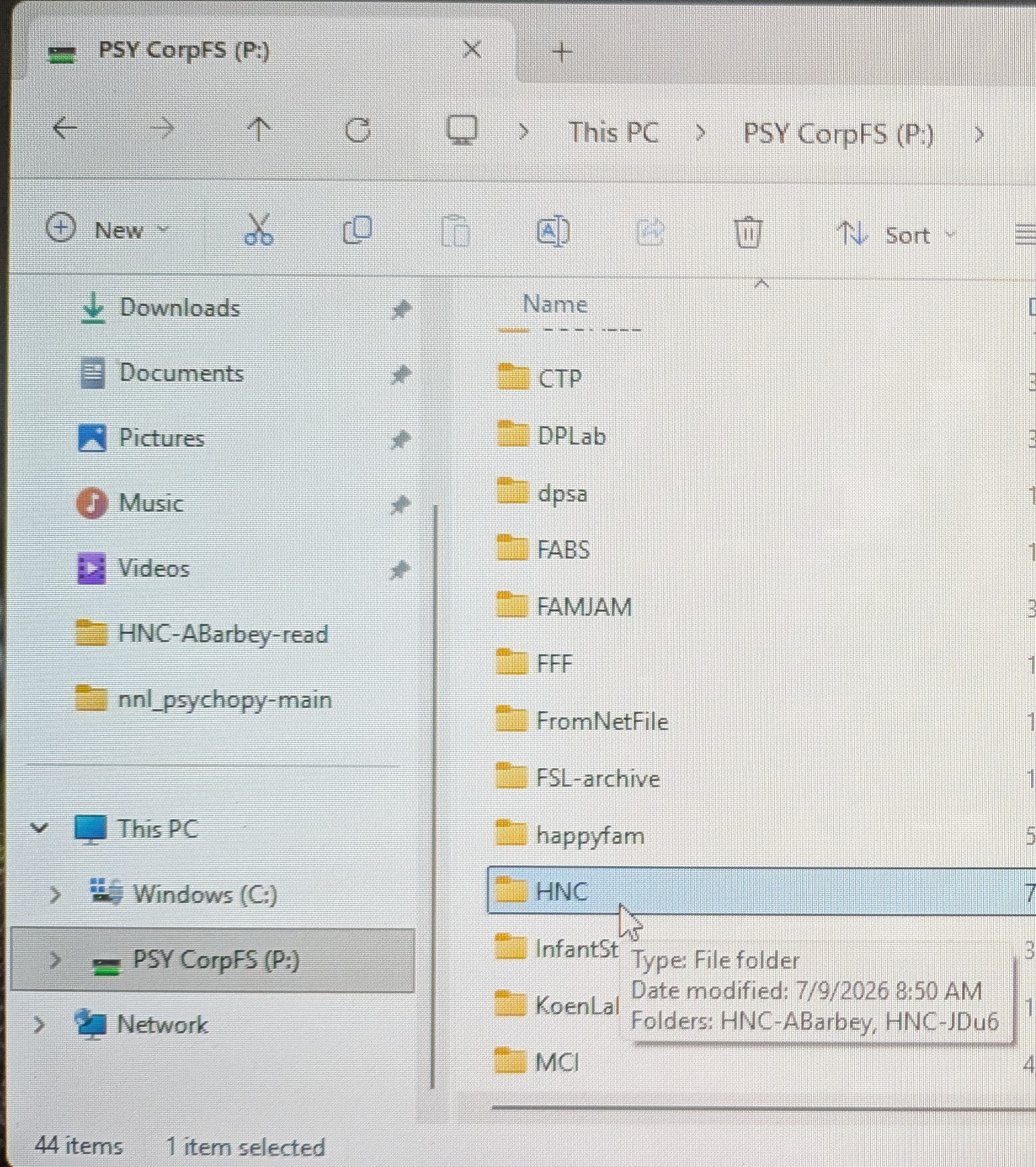
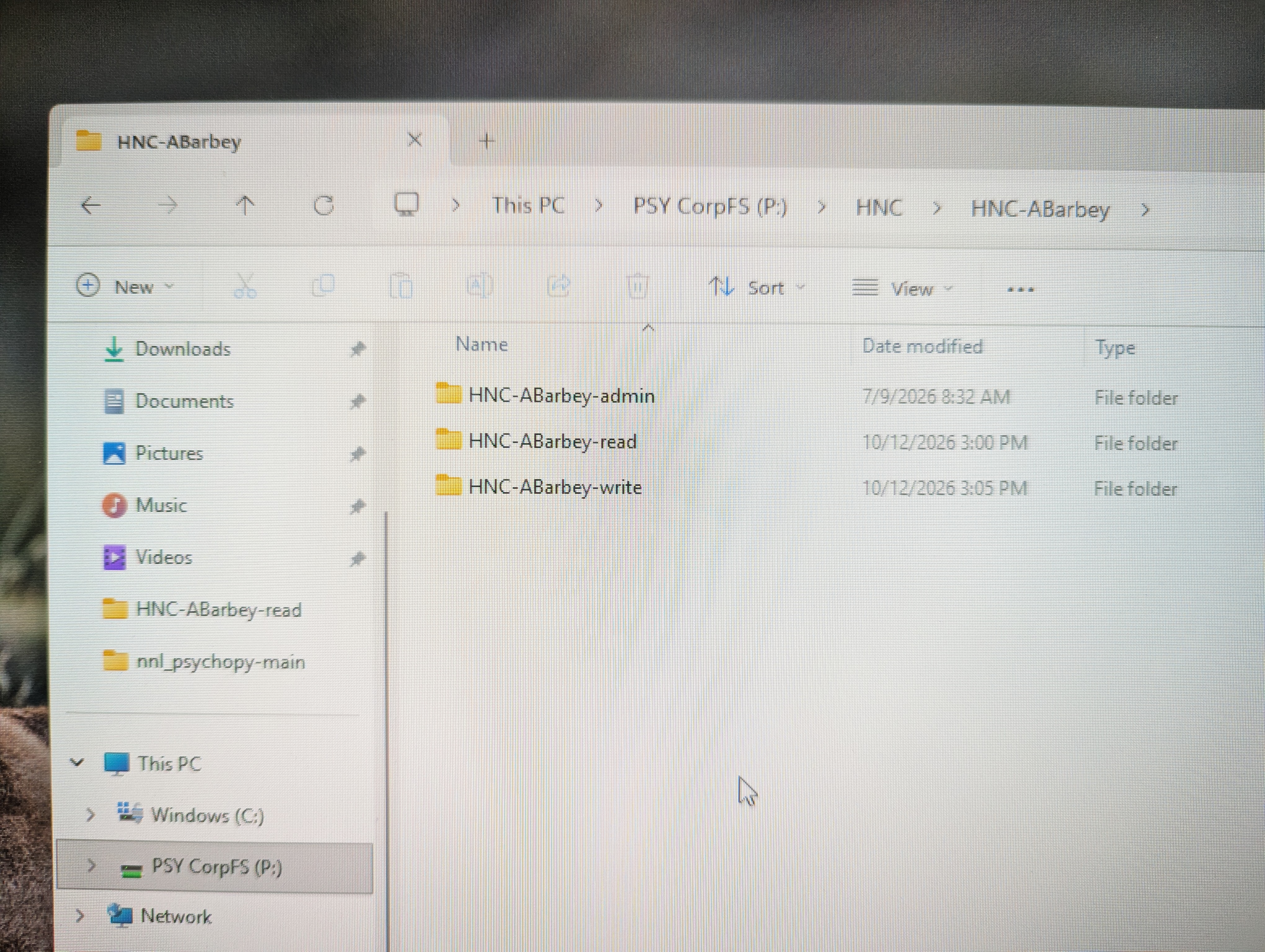
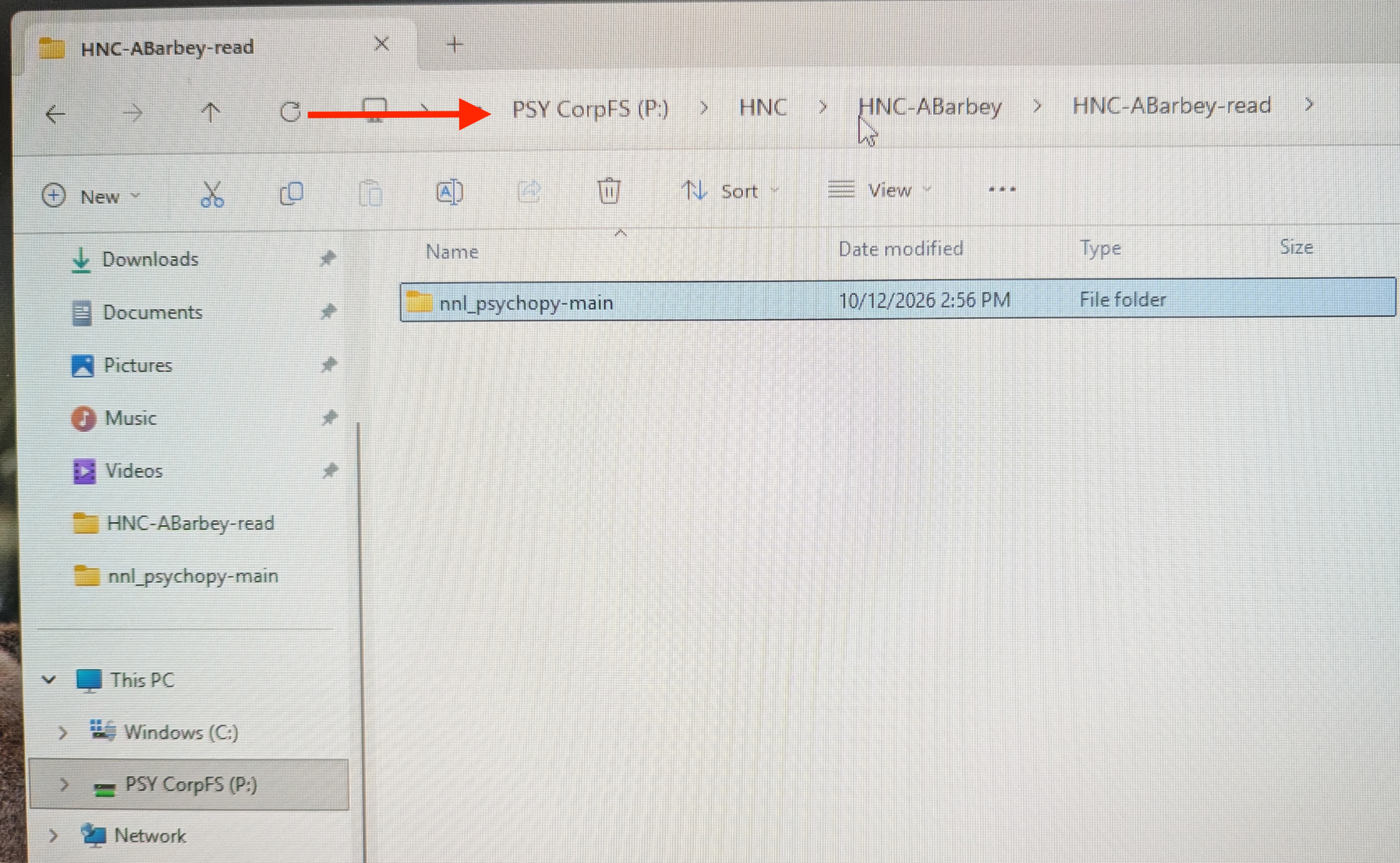
- The experiment paradigm should stored in the “HNC-PI-read” location. This helps to:
- Ensure all team members deploy the same paradigm,
- Guard against inadvertent alterations.
Configure Output Location
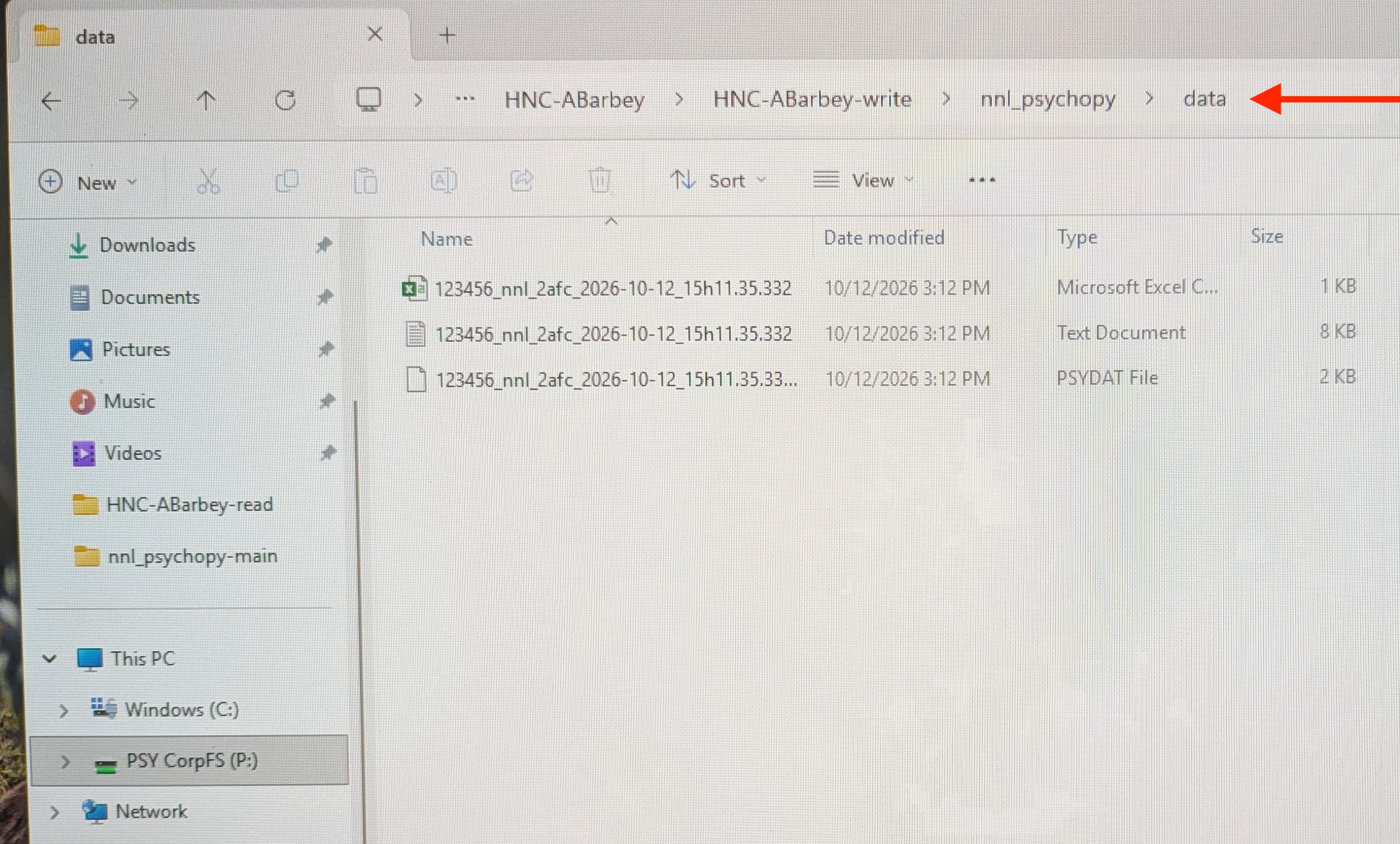
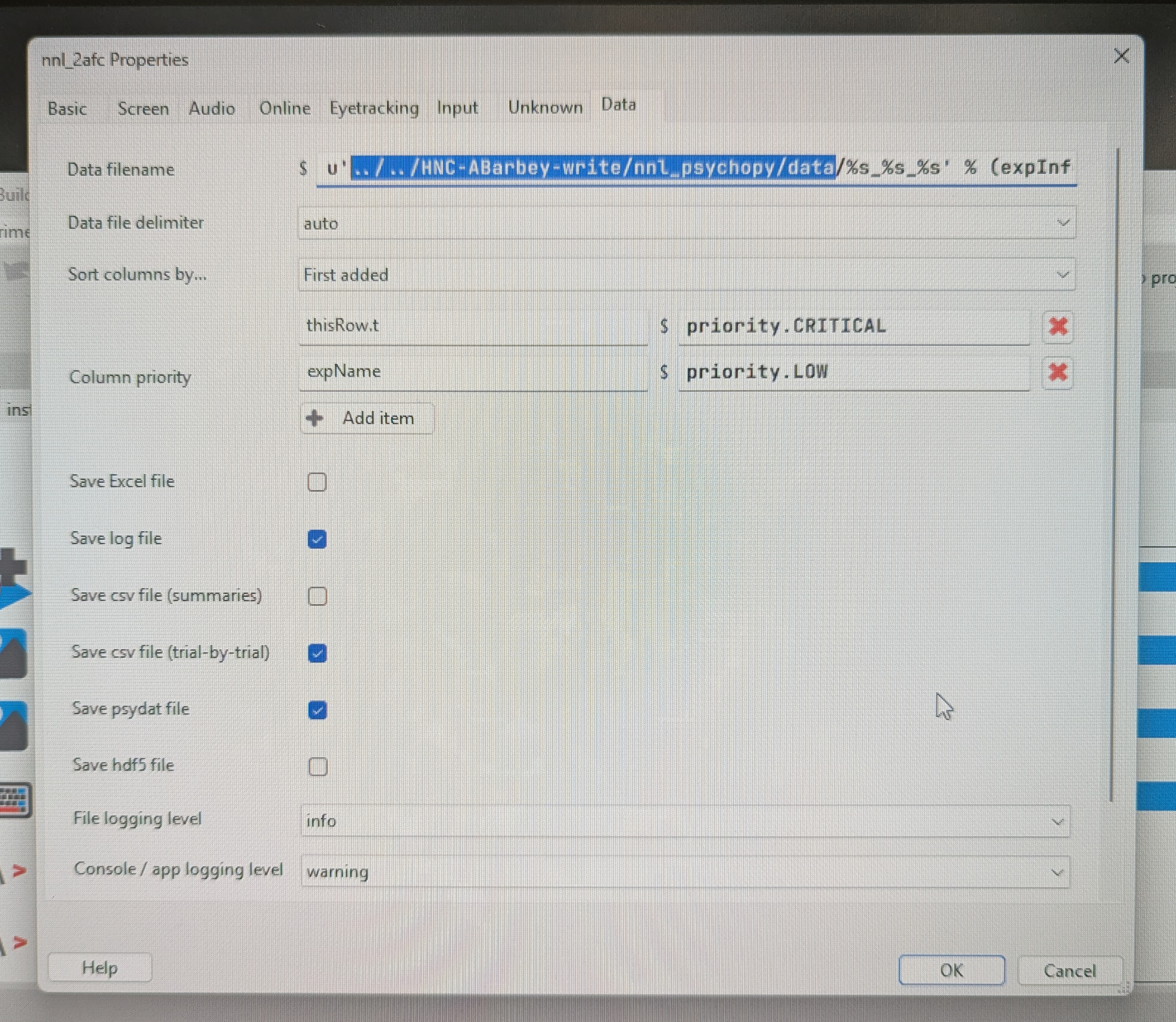
- Specify the output location is “HNC-PI-write”.
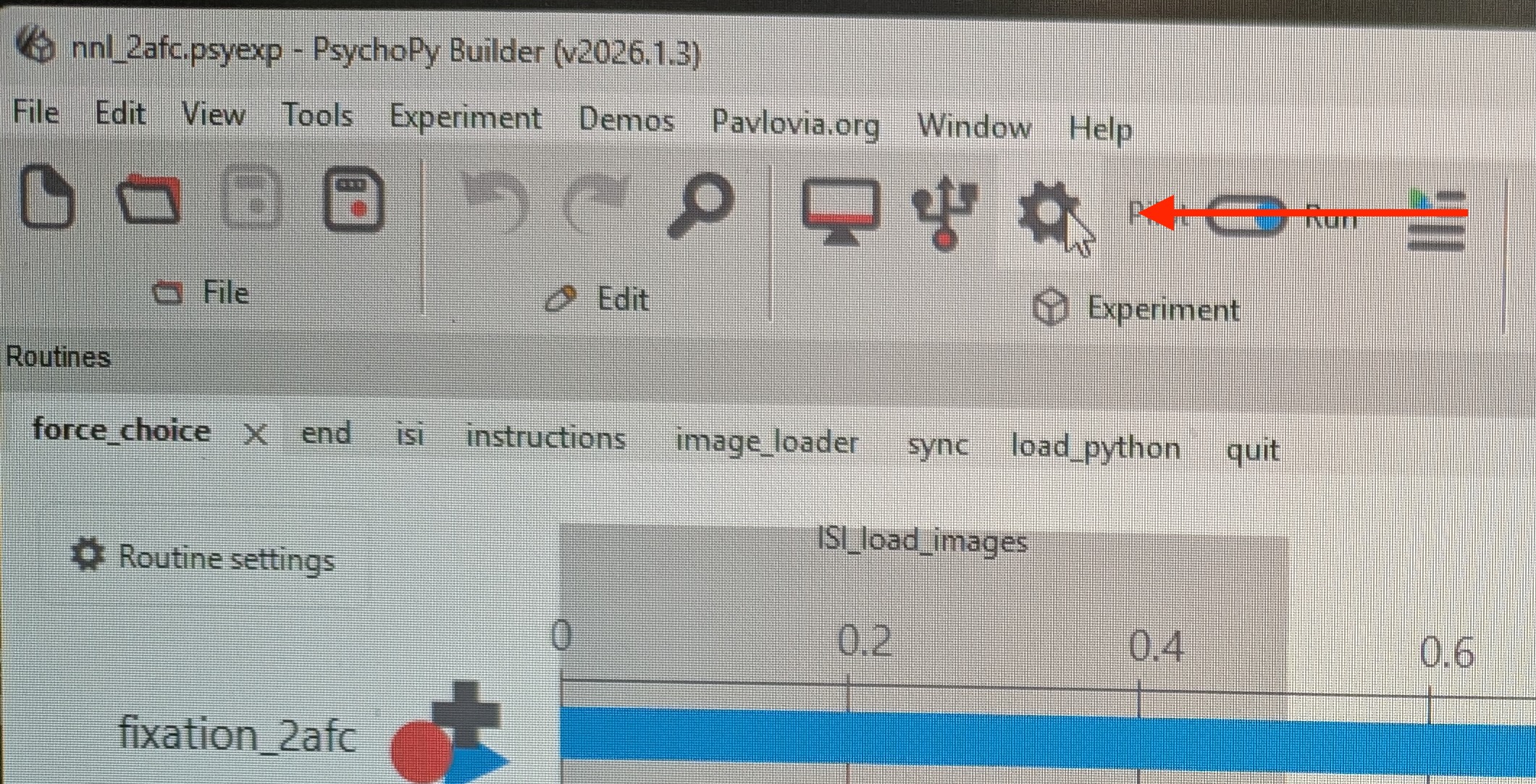
- For PsychoPy:
- Orient to experiment settings
- On the Data tab, specify the correct output location.
Run Experiment
- Deploy the task.
- Verify output files are written to the proper location.